

Aqara is a company that gives its users the tools to transform their homes into smart homes. Aqara not only utilizes smart devices but Ai and routines to transform your life. I’ve had the chance to spend some time using the Aqara Doorbell Camera Hub G410 Camera Hub and the Smart Lock U100. Both of these are cool by themselves, but they unlock a different level of automation when paired.
I first installed the U100 Smart Lock and used it for a few days by itself. Without a connection hub, the smart lock still has a ton of features. You can set up multiple user profiles, store temporary codes, utilize the fingerprint reader, and set up your phone to be used as a key. If you have someone in your household who is a little paranoid about being connected, this is the perfect way to utilize the lock. The setup was extremely easy. Installation is no different from a normal deadbolt, and set up was simple using the Aqara app.
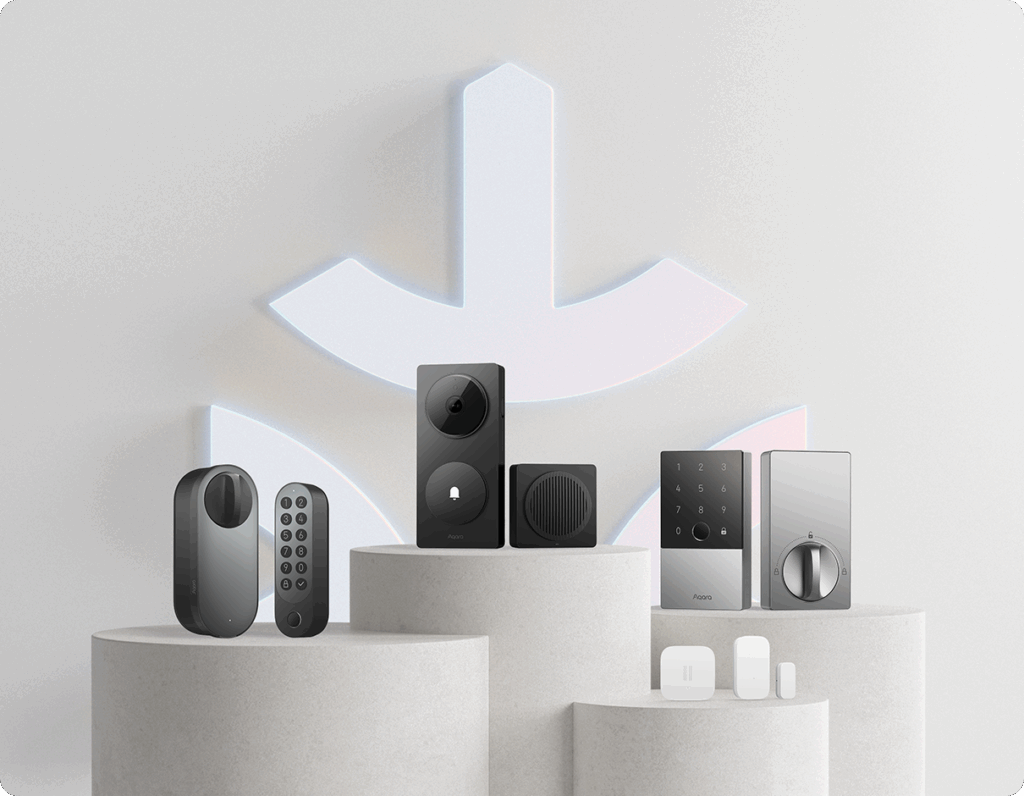
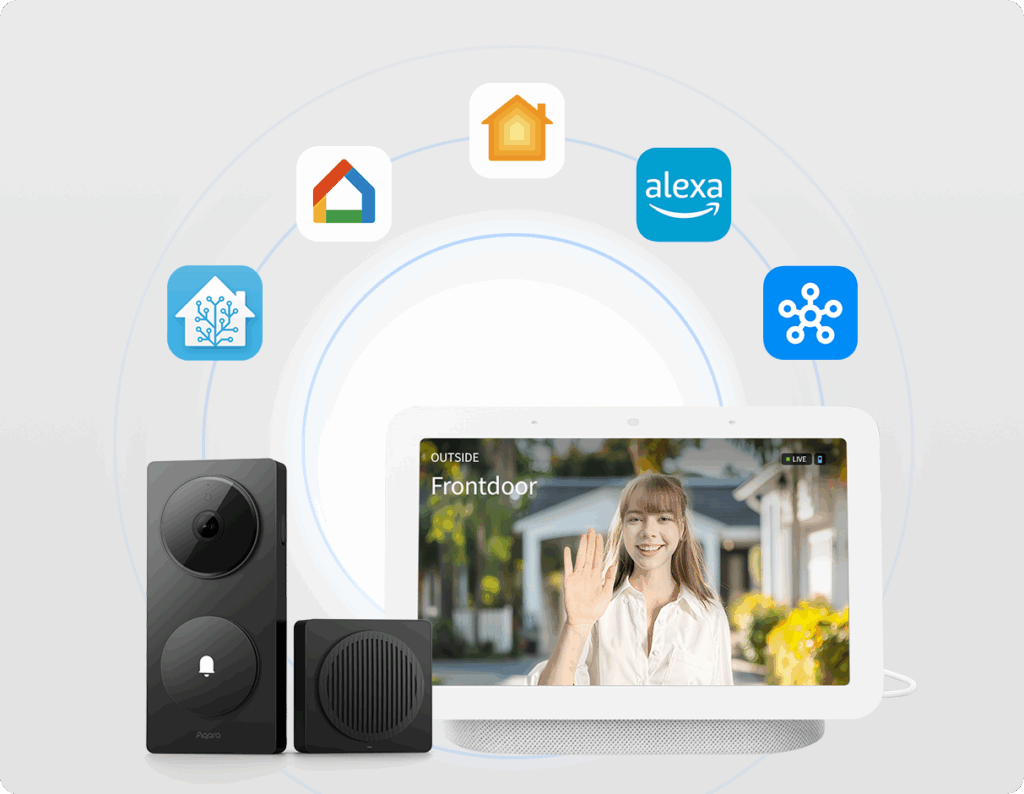
I’ve also been using the G410 Video Doorbell. I’ve been using an early model Ring camera, so there are some immediate and major improvements for me. The 2K high-resolution camera is a night and day difference for me. The resolution also helps when it comes to utilizing the face recognition feature. When paired with the G410 Camera Hub, the full power of this system is unlocked. The hub is what lets you connect your devices to the internet and sync with other devices around your home. This makes high-level automations a breeze.
You can set up various faces in the Aqara app and do things like have the door automatically unlock when certain people approach the door. You can take it to the next level by having certain lights turn on and music play if you are arriving home past a certain time. I have only scratched the surface of what you can do with the Aqara products.
Both the doorbell and the smart lock are compatible with Apple HomeKit, Amazon Alexa, and the Smart Things app, so you are not limited to devices in the Aqara ecosystem. Again, the setup is easy when using the app and hub device.
I haven’t encountered any issues or problem areas that I feel I need to address so far. I will say I was a little taken aback when I noticed that I had to use AA batteries in both devices, but now that I have had time to compare the camera and smart lock to other devices, I understand why this choice was made. First, with the G410 camera, you are able to power the device through a wired connection if you have the setup. For both devices, it is stated that the batteries will last 5-6 months. I am charging my other camera a couple of times a month. Especially now that it is older. With the lock, it makes sense to be able to throw in a new set of batteries and be on your way. Also, you have physical keys for the lock and a USB-C port for emergency power.
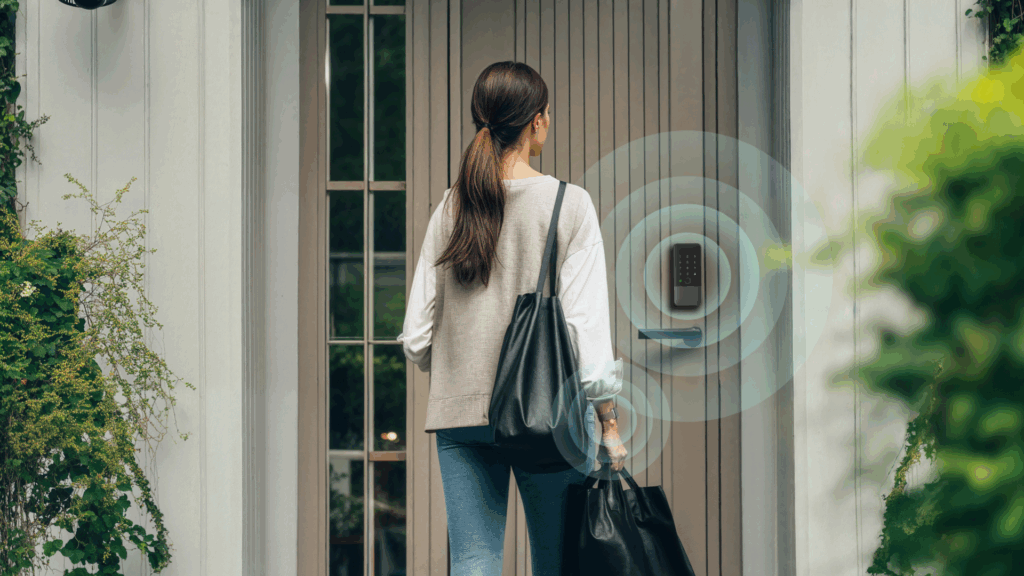
If anyone is looking to try out a smart lock or begin their smart home journey, I think Aqara is a good place to start. The U100 Smart Lock and G410 Doorbell Camera have good build quality and clean, simple designs. You can grab both the Smart Lock and Doorbell Camera for $129.99. Check out the rest of their lineup as well. Aqara just unveiled its new U400 Smart Lock during CES, and it looks amazing. It has all of the features of the U100 and adds the ability to automatically unlock when you’re within a certain proximity.
I am going to try to get my hands on more of the Aqara lineup. When I do, I will be sure to share that with our audience. Stay tuned for more from TruNrd and Aqara.